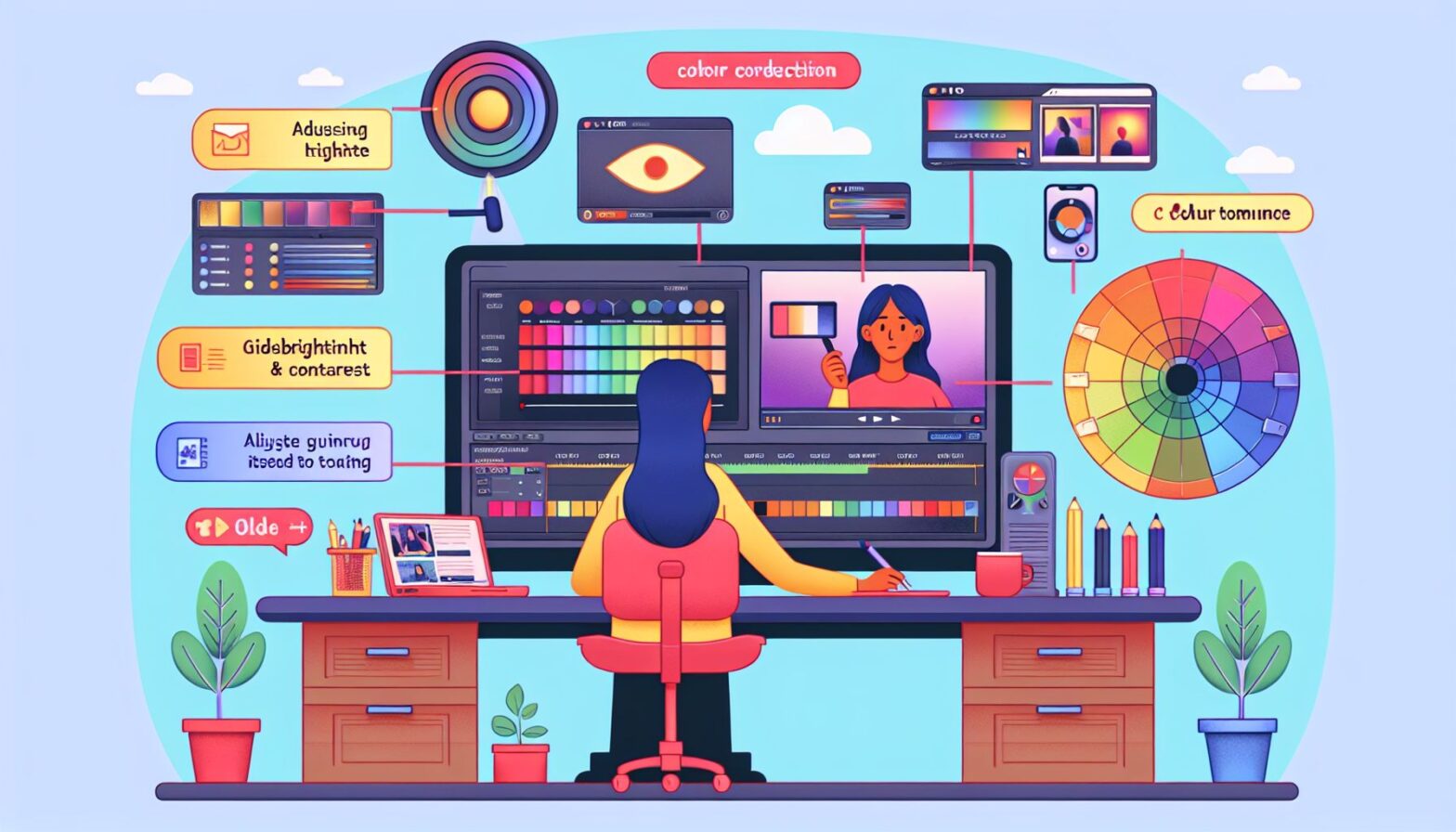
Welcome, digital marketers! In today’s fast-paced world of online content, creating visually stunning videos is key to capturing your audience’s attention. One crucial aspect of video production is color grading, the process of enhancing or altering the color of a video to achieve a desired look. Whether you’re creating promotional videos, tutorials, or product demos, understanding how to effectively color grade your videos for the internet can make all the difference in engaging your viewers and conveying your message effectively.
Why Color Grading Matters
Color grading can greatly impact how your audience perceives your content. The right color scheme can evoke emotions, set the tone of your video, and create a cohesive visual identity for your brand. On the other hand, poorly executed color grading can leave your videos looking amateurish or distract viewers from your message. By mastering the art of color grading, you can make your videos stand out in a crowded digital landscape.
Tools of the Trade
Before diving into color grading, it’s essential to have the right tools at your disposal. Software programs like Adobe Premiere Pro, Final Cut Pro, and DaVinci Resolve offer powerful color grading capabilities that can help you achieve professional-looking results. Additionally, investing in a calibrated monitor and understanding color theory can further enhance your color grading skills.
Understanding Color Theory
Color theory is a fundamental aspect of color grading that can help you create visually appealing videos. By understanding the basics of color theory, you can effectively use color to convey emotion, create contrast, and enhance the overall visual impact of your videos. Consider using complementary colors to create a harmonious color palette, or using color grading techniques like split toning to add depth and dimension to your videos.
Tips for Effective Color Grading
Now that you have the right tools and a basic understanding of color theory, here are some tips for effectively color grading your videos for the internet:
-
White Balance: Start by setting the white balance of your footage to ensure accurate colors.
-
Contrast: Adjust the contrast of your video to enhance details and make your colors pop.
-
Exposure: Correct the exposure of your footage to ensure consistent lighting throughout your video.
-
Saturation: Use saturation to control the intensity of colors in your video.
-
Color Wheels/ Curves: Experiment with color wheels and curves to fine-tune the colors in your video.
-
LUTs: Consider using LUTs (Look-Up Tables) to quickly apply a specific color grade to your footage.
Conclusion
Color grading is a powerful tool that can elevate the quality of your videos and help you connect with your audience on a deeper level. By mastering the art of color grading and understanding how to effectively use color to convey emotion and enhance your message, you can create visually stunning videos that leave a lasting impression on your viewers. So grab your favorite editing software, experiment with different color grading techniques, and let your creativity shine through in your videos for the internet!