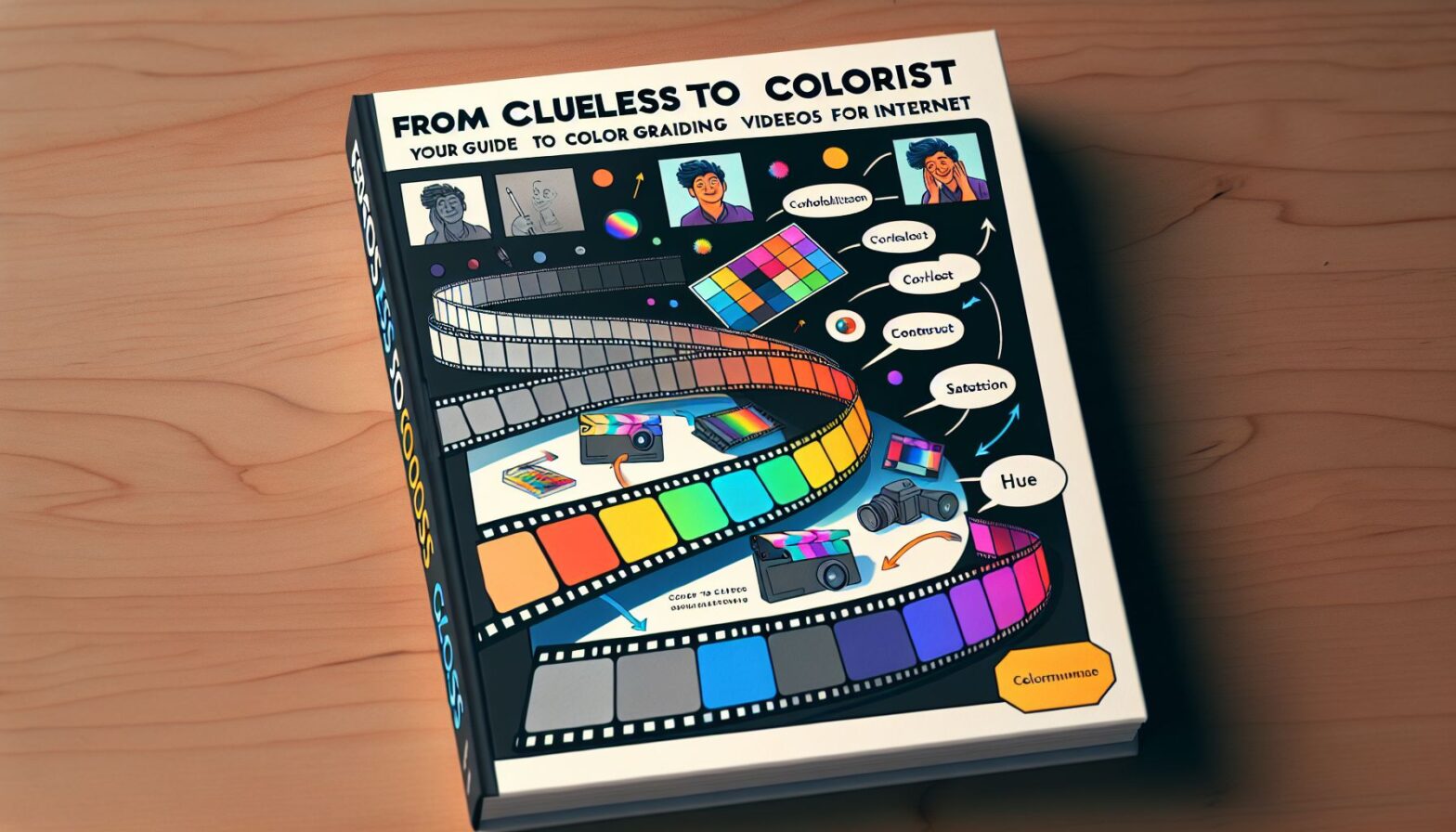
So you’ve dived headfirst into producing fabulous video content for your business. Bravo! You’ve written scripts with Hemmingway-like precision. Your camera setup could charm Scorsese. Your sound engineer rocks a mean noise-canceling mix. But your videos look, well… drab? Like someone placed a flat, grey filter on your hard-won ideas? You, my friend, need some juicy color grading tips. After all, color grading is the secret sauce that turns your Big Mac into a Five Guys Burger.
The Lemonade Stand Analogy
Imagine your latest video is a lemonade stand on a scorching summer’s day. Everybody’s thirsty (for content). Now picture two stands. One’s got the basics; lemonade, ice, a lukewarm smile. The other has vibrant, sparkly ice-cubes and ice-cold lemonade popping with color, served with a dazzling smile. Which stand would you go to? Exactly. Color grading your video content is like adding a pinch of salt to your otherwise bland lemonade. Still not sold? Read on.
So, What’s Color Grading Anyway?
Great question, dear reader. In layman terms, it’s dialing up the aesthetic of your videos to serve your brand’s story better. Think ‘adjusting the color’, but for pros. Yes, your iPhone’s snazzy ‘auto-enhance’ button isn’t going to cut it here. Color grading involves modifying various aspects like exposure, contrast, highlights, saturation, and lowlights to create the desired effect.
Moving on Up: Color Grading like a Pro
So, you’re ready to graduate from auto-enhance. Fear not. There’s an endless sea of online tools and software to help you color grade your streaming content like a geeky CNN news producer. Some popular options include DaVinci Resolve, Adobe Premiere Pro, and FilmoraPro. Some are free; others need your credit card. If you’ve got your sound engineer wearing double hats, multi-language professional software may be the way to go.
Have a Plan, Janet!
Spontaneity is fantastic for your weekend camping trips, but color grading? Not so much. You need a well-thought-out style guide that compliments your brand’s message. Color grading should produce a specific reaction from your viewers—whether it’s mindfulness from cool blues or excitement from vibrant reds. So make a mood board, research color theory, discuss with your team. A stitch in the time of planning saves nine head-scratching moments of “why does this look weird?”
Practice Bit by Bit
We hate to break it to you, but you won’t become a color grading wizard overnight. But we’ve come up with a revolutionary method called The Onion Technique. Think of your video as an onion (no, not because it’s making you cry). Peel off layer by layer instead of trying to chop it all at once. Practice grading short clips, then improve and apply what you’ve learned on your next clip, and so on. You’ll be slicing that onion without tearing up in no time.
Know When to Stop
We can’t stress this enough. Look at color grading like your mother-in-law’s fruit cake. A smidge of spice here, a dash there: lovely. But too much? A disaster. Overdoing the grading can make your video look unnatural and off-putting. Try keeping an original clip for reference while you’re working. That way, you won’t stray too far from reality in your pursuit of perfection.
Conclusion
In the immortal words of Gandalf, “All we have to decide is what to do with the time that is given to us.” And luckily for you, color grading is a rabbit hole worth venturing into, especially if you’re looking to improve the quality of your business’s online content. Remember, the Internet is like a vast ocean filled with countless fish (or lemonade stands!). By investing time, effort, and a dash of humor into color grading, your content can stand out, making all other fishes (sorry, lemonade stands) pale in comparison.
Even if your sound engineer is on a well-deserved break and your filming equipment is gathering dust, the art of color grading will be an arrow in your quiver that continues to undeniably add value to your video content in the digital age.
So go on, dip your toes (or jump headfirst, we don’t judge) into the world of color grading. Polish that flatly lit lemonade stand of a business video into a Scrystal-clear, well-contrast, and vibrantly attractive selling point that calls viewers to action.
Remember, in the world of online video content, color grading isn’t an option. It’s a survival skill. Good luck, and happy grading!