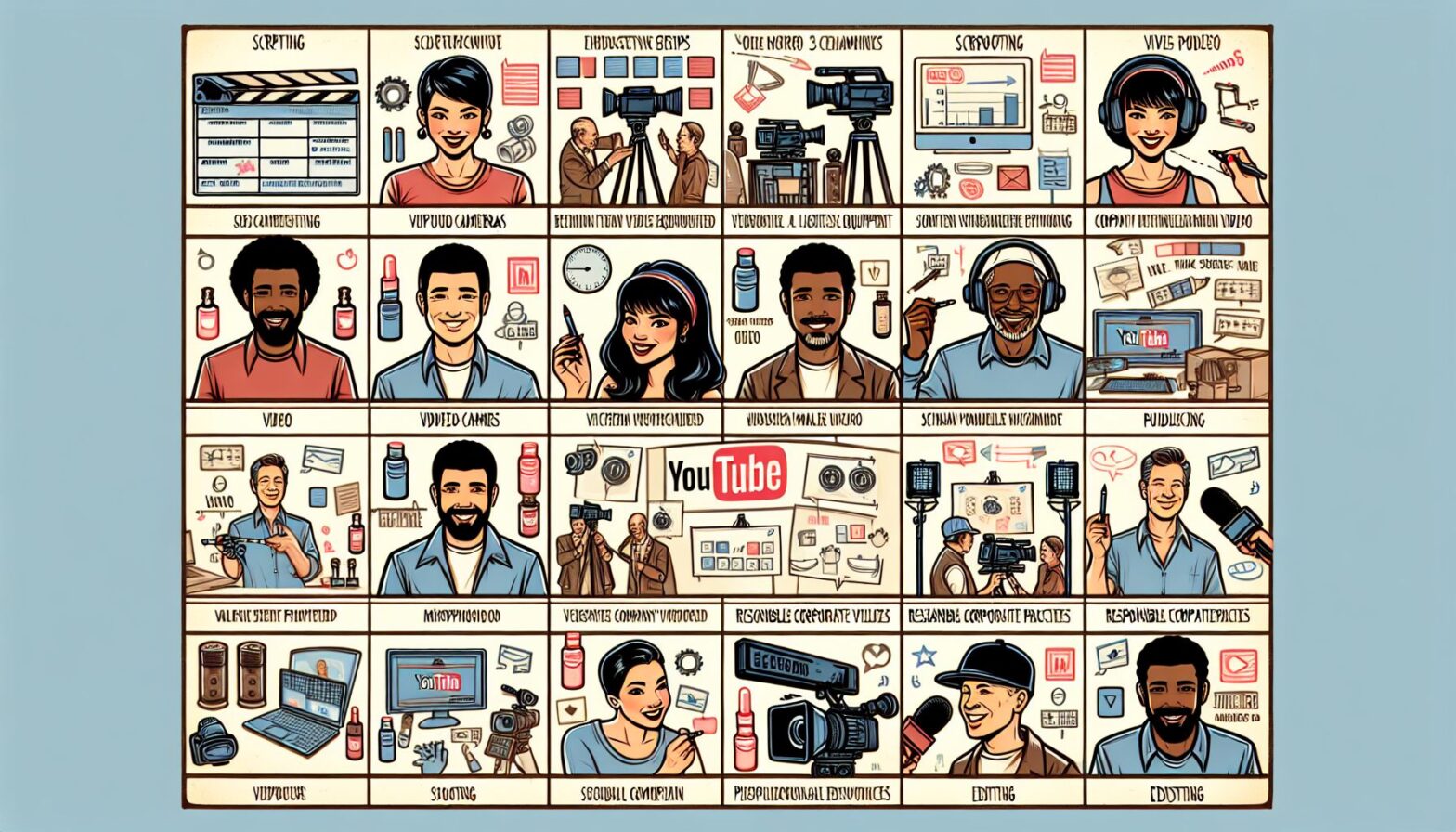
How to Create a Youtube Video for Marketing Companies

In today’s digital age, video marketing has become a crucial tool for businesses looking to connect with their audience and drive sales. Youtube, in particular, has emerged as one of the most powerful platforms for reaching potential customers through engaging video content. For marketing companies looking to leverage the power of Youtube, creating high-quality videos is essential. In this blog post, we will discuss the steps you need to take to create a successful Youtube video for your marketing company.

Step 1: Define Your Goals

Before you even pick up a camera, you need to clearly define the goals you want to achieve with your Youtube video. Are you looking to increase brand awareness, drive website traffic, or generate leads? By setting specific and measurable goals, you can tailor your video content to ensure it effectively reaches your target audience and drives the desired actions.

Step 2: Research Your Audience

To create a Youtube video that resonates with your target audience, you need to understand who they are, what they care about, and how they consume content. Conduct market research to identify your target demographic’s preferences, interests, and pain points. Use this information to inform the messaging, tone, and style of your video content.

Step 3: Develop a Compelling Concept

Once you have a clear understanding of your goals and target audience, it’s time to develop a compelling concept for your Youtube video. Your concept should be engaging, informative, and aligned with your brand’s image and messaging. Consider incorporating storytelling, humor, or emotional appeal to make your video memorable and shareable.

Step 4: Plan Your Production

Before you start filming, create a production plan that outlines all the necessary steps, including scripting, casting, location scouting, and equipment needs. Ensure you have a clear timeline and budget in place to keep your project on track. Consider working with a professional video production team to ensure high-quality results.

Step 5: Film and Edit Your Video

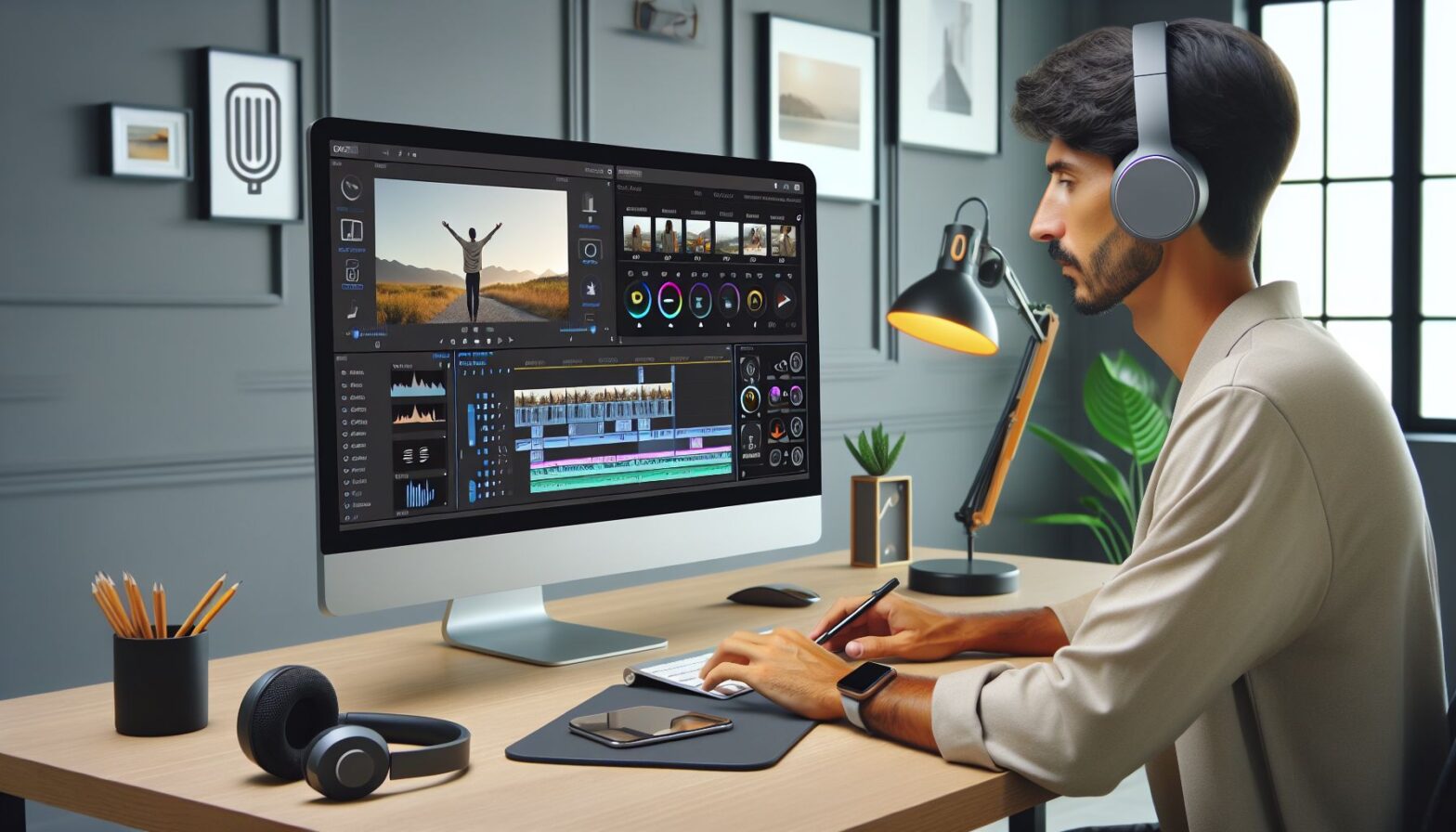
Once you have all the necessary components in place, it’s time to start filming your Youtube video. Make sure to capture high-quality footage and audio to ensure a professional look and feel. When editing your video, pay attention to pacing, transitions, and graphic design to create a seamless and visually appealing final product.

Step 6: Optimize for SEO

To maximize the reach and impact of your Youtube video, it’s crucial to optimize it for search engines. Use relevant keywords, tags, and descriptions to improve your video’s discoverability and ranking on Youtube. Consider creating a compelling thumbnail image and title to entice viewers to click on your video.

Step 7: Promote Your Video

Once your Youtube video is live, don’t just sit back and wait for views to come in. Actively promote your video through your website, social media channels, email newsletters, and paid advertising. Encourage viewers to like, share, and comment on your video to increase engagement and visibility.

Conclusion

Creating a successful Youtube video for your marketing company requires careful planning, creativity, and attention to detail. By defining your goals, researching your audience, developing a compelling concept, planning your production, filming and editing your video, optimizing for SEO, and promoting your video, you can create a high-quality video that resonates with your audience and drives results. Remember, consistency is key when it comes to video marketing, so continue to create engaging content that showcases your company’s unique value proposition and expertise.

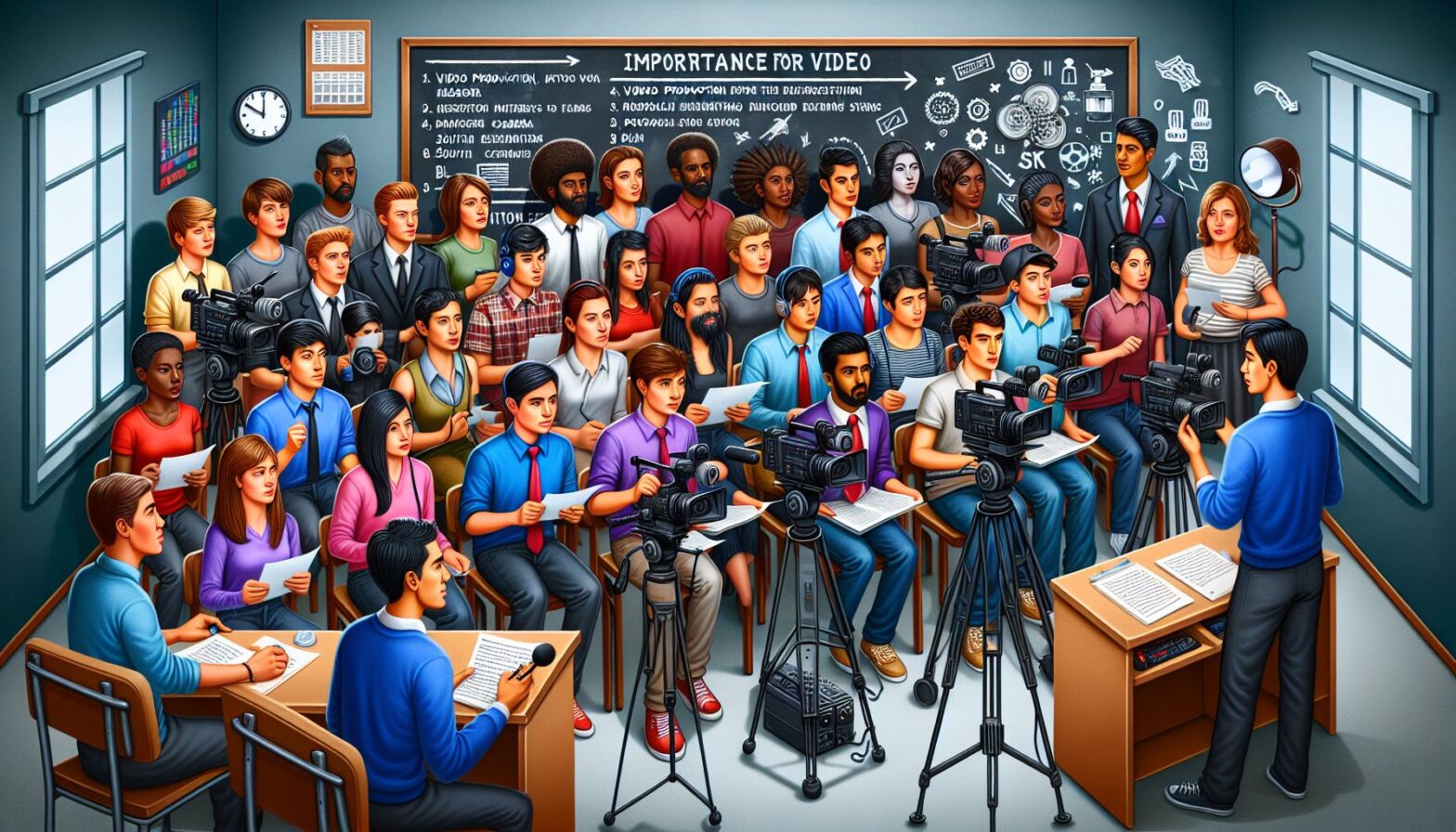
Lights, Camera, Action: The Art of Writing Scripts for Video Production

Lights, camera, action! So you want to create video content for your internet marketing strategy, huh? Well, guess what? You’re going to need a script. And not just any old script. You’re going to need a script that captivates your audience, keeps them engaged, and leaves them hungry for more. But fear not, dear internet marketer, for I am here to guide you through the wild and wacky world of scriptwriting for video production. Just sit back, relax, and let the comedy and chaos ensue.

Introduction: Lights, Camera, Awkward Silence

Picture this: you’re sitting in front of your computer, staring at a blank screen, feeling the pressure of needing to produce a script for your next video. You’ve got ideas bouncing around in your head, but when it comes time to put pen to paper (or fingers to keyboard, let’s be real), you freeze up like a popsicle in Antarctica. Don’t worry, we’ve all been there. Take a deep breath, and let’s get this scriptwriting party started.

Body: Lights, Camera, Write Action

  1. Know Your Audience: Before you start typing away like a caffeinated monkey on a keyboard, take some time to really understand who your audience is. Are they young and hip, or old and sophisticated? Do they prefer quick and snappy content, or do they enjoy a slower, more thoughtful approach? Knowing your audience will help you tailor your script to their tastes and preferences.

  2. Keep It Simple, Silly: Remember the KISS principle – Keep It Simple, Silly. Your audience’s attention span is shorter than a goldfish’s memory (yes, that’s a real thing), so keep your script clear, concise, and to the point. Avoid using fancy jargon or complicated language that will only confuse and alienate your viewers.

  3. Inject Some Personality: Your script shouldn’t read like a boring old textbook. Inject some personality, humor, and pizzazz into your writing to keep your audience entertained and engaged. Maybe throw in a pun or two, or a funny anecdote to keep things light and lively.

  4. Create a Story Arc: Every good script has a beginning, middle, and end. Create a compelling story arc that takes your audience on a journey, from introduction to resolution. Think of your script as a rollercoaster ride – you want to keep your viewers on the edge of their seats, eagerly anticipating what comes next.

  5. Include Some Call to Action: Don’t forget to include a call to action in your script. Whether it’s directing viewers to visit your website, subscribe to your channel, or follow you on social media, give them a clear and compelling reason to take action. Without a call to action, your script is like a ship without a sail – adrift and aimless.

Conclusion: Lights, Camera, Roll Credits

And there you have it, dear internet marketer. Writing scripts for video production doesn’t have to be a daunting task. With a little bit of humor, creativity, and a whole lot of caffeine (or herbal tea if that’s more your speed), you can create scripts that will wow and delight your audience. So go forth and conquer the world of video content, armed with your trusty scriptwriting skills. Lights, camera, action!

Remember, the key to a great script is to tap into your audience’s emotions, keep them entertained, and inspire them to take action. So grab your metaphorical pen (or literal, if you’re a traditionalist), and get writing. Lights, camera, action!

The Role of Video Production in YouTube Ad Campaigns

With over 2 billion active viewers, YouTube is a potent business tool. It lets marketers tell stories, promote goods, and get results, but the quality of the videos is vital. With all the targeting in place for ad campaigns, without professional, captivating, and impactful video ad content, they can easily flat line.

Crafting a Strong First Impression  

The first couple of seconds are very important in any YouTube ad. In a world where viewers are used to skipping ads after just five seconds, your video production has to be right in your face. The ad should feature dynamic visuals, clear messaging, and an attention-grabbing hook, ensuring credibility and professionalism and setting the stage for the rest of the ad.

Storytelling: The Heart of Effective YouTube Ads  

Behind every successful ad is a story that emotionally connects with the audience. The video production plays the lead role in bringing that story alive. Professional video production ensures your brand values are effectively communicated through scripting and cinematography, whether it’s a sad or amusing story.

Visual and Audio Quality Matter More Than Ever  

YouTube is a visual medium, and viewers expect to see quality. Professional video production ensures visually appealing ads with crisp audio and smooth transitions, retaining viewer attention and positively reflecting your brand.

Customization for Target Audiences  

One of the best aspects of YouTube advertising is the extremely focused demographics you can target. A well-crafted video can be designed to reach just your target audience, be they tech enthusiasts, people into fitness, or foodies. For example, if brands want to exclude kid channels, they can create content related to adults, thus making it relevant, relatable, and impactful. Professional production teams will effectively communicate your message to your intended audience, thereby increasing the likelihood of their taking action.

The Role of Call-to-Action  

An ad is only as good as the action it drives. Beyond great visuals, video production is about clear calls to action that guide viewers to take action. Whether visiting your website, purchasing a product, or even subscribing to your channel, a well-done video seamlessly integrates CTAs without making them feel like a hard sell.

Building Brand Consistency  

Professional video production ensures consistent ads aligning with the brand’s tone, style, and aesthetic, building a recognizable brand. From color grading to logo placement, every detail is considered to reinforce your brand identity. This will help create trust and familiarity, making them more likely to engage with your business.

Measuring ROI Through Quality Content  

The ROI of a YouTube ad campaign is largely determined by the quality of the video. Despite its initial cost, quality is expected to yield higher engagement rates and conversions. Quality leaves a lasting impression, so your money is well spent.

Video creation is the backbone of any successful YouTube ad campaign. Every aspect of the production contributes to how well the ad will work, from capturing attention to delivering a clear message. Investing in high-quality production will surely set your brand apart; your message will reach your audience and resonate with them.

The Importance of Video Production for Students: A Stern Reminder

It seems that in this digital age, students are constantly bombarded with videos on a daily basis. Whether it’s a tutorial on how to solve a math problem, a review of the latest movie, or a mockumentary created by peers, videos have become an integral part of learning and communication.

But let’s not forget the importance of video production itself. As a student, it’s crucial to understand the art and science of creating compelling videos that not only capture the audience’s attention but also effectively convey a message. So let me break it down for you in a stern tone: video production is no joke and students need to take it seriously.

The Basics of Video Production

First and foremost, let’s talk about the basics of video production. From pre-production to post-production, there are various steps involved in creating a high-quality video. Planning, scripting, filming, editing, and distributing are just some of the key components that go into making a successful video.

It’s not enough to just point a camera and hit record. Students need to understand the importance of proper lighting, framing, sound design, and editing techniques to elevate their videos to the next level. And let me tell you, sloppy camera work, poor sound quality, and lackluster editing will not cut it in today’s competitive digital landscape.

The Power of Visual Storytelling

Now, let’s talk about visual storytelling. As a student, you have the opportunity to harness the power of storytelling through the medium of video. Whether you’re creating a documentary about a social issue, a marketing video for a school project, or a personal vlog, storytelling is key to engaging your audience and leaving a lasting impact.

But here’s the thing: storytelling is not just about words. It’s about using visuals, music, sound effects, and editing techniques to evoke emotion and convey a message. Students need to understand the power of visual storytelling and learn how to effectively use these tools to create compelling videos that resonate with their audience.

The Digital Footprint

In today’s digital age, your online presence matters more than ever. As a student, the videos you create can have a lasting impact on your digital footprint. Whether it’s a video resume for a job application, a video essay for a college application, or a personal project for your portfolio, your videos are a reflection of your skills, creativity, and professionalism.

So here’s the stern reminder: think before you hit that record button. Consider the message you want to convey, the audience you want to reach, and the impact you want to make. Your videos are a reflection of who you are as a student and as a creative individual, so make sure they showcase your best work.

The Future of Video Production

As technology continues to evolve, the field of video production is constantly changing and expanding. From virtual reality to 360-degree videos, students have access to a wide range of tools and platforms to create innovative and immersive content. But with great power comes great responsibility.

So here’s the final word: embrace the future of video production with an open mind and a critical eye. Stay curious, stay creative, and stay committed to honing your skills as a video creator. The possibilities are endless, but it’s up to you as a student to take the reins and make the most of this exciting medium.

In conclusion, video production is a powerful tool for students to communicate, collaborate, and create. But with great power comes great responsibility. Take it seriously, take it to heart, and take it to the next level. Your videos have the potential to make a difference, so make sure they stand out for all the right reasons.

Remember, the world is watching. Make sure your videos are worth watching.

The Best Video Editing Software for Social Media Producers

In today’s digital age, video content has become king on social media platforms. From engaging product demos to captivating stories, video has proven to be a powerful tool for marketers looking to connect with their audience. As a social media producer, it is essential to have the right tools to create professional-looking videos that will catch the attention of viewers scrolling through their feeds. In this article, we will explore some of the best video editing software options for social media producers.

Introduction to Video Editing for Social Media

Editing video for social media requires a different approach compared to traditional video editing for television or film. With the rise of platforms like Instagram, TikTok, and YouTube, producers need to create content that is not only visually appealing but also optimized for mobile viewing and engagement. This means incorporating text overlays, eye-catching graphics, and quick cuts to keep viewers interested in the content.

To achieve this level of editing, social media producers need access to advanced video editing software that offers a range of tools and features to elevate their content. Let’s take a look at some of the best options available on the market today.

Adobe Premiere Pro

Adobe Premiere Pro is a leading video editing software used by professionals in the industry. It offers a wide range of features, including advanced editing tools, color correction, audio editing, and motion graphics. With Adobe Premiere Pro, social media producers can create high-quality videos that stand out on any platform.

One of the key benefits of using Adobe Premiere Pro is its seamless integration with other Adobe products, such as After Effects and Photoshop. This allows producers to easily import graphics and effects into their videos, making it easy to create visually stunning content. Additionally, Adobe Premiere Pro offers a variety of pre-set templates and presets that can help streamline the editing process.

Final Cut Pro

Final Cut Pro is another popular choice among social media producers. Developed by Apple, Final Cut Pro offers a user-friendly interface and a wide range of features for editing videos. From simple cuts and transitions to advanced color grading and audio editing, Final Cut Pro has everything social media producers need to create polished videos for their audience.

One of the standout features of Final Cut Pro is its intuitive timeline editing, which allows producers to easily arrange and edit their footage. Final Cut Pro also offers built-in effects and transitions that can help enhance the overall look of the video. With its powerful editing tools and sleek design, Final Cut Pro is a great option for producers looking to create professional-looking content for social media.

Davinci Resolve

Davinci Resolve is a powerful video editing software that is widely used in the industry for color grading and post-production. In addition to its advanced color correction tools, Davinci Resolve also offers a range of editing features that make it a great choice for social media producers. With its intuitive interface and wide range of editing tools, Davinci Resolve allows producers to create stunning videos that will grab the attention of viewers.

One of the standout features of Davinci Resolve is its Fusion page, which allows producers to create advanced visual effects and motion graphics directly within the software. This can help producers add a unique touch to their videos and make them stand out on social media platforms. Additionally, Davinci Resolve offers a free version that includes many of the same features as the paid version, making it accessible to producers of all levels.

Conclusion

In conclusion, having the right video editing software is essential for social media producers looking to create engaging content for their audience. Whether you choose Adobe Premiere Pro, Final Cut Pro, or Davinci Resolve, each software offers a range of features and tools that can help elevate your videos to the next level. By using these advanced editing tools, social media producers can create professional-looking videos that will capture the attention of viewers and drive engagement on their social media platforms. So, invest in the right video editing software today and start creating compelling content that will set you apart from the competition.

The Best Tools for Video Editing for Young Adults

Video editing has become an essential skill in today’s digital age, especially for young adults looking to create engaging content for social media, YouTube, or personal projects. With the rise of platforms like TikTok and Instagram, the demand for polished and professional-looking videos has never been higher. To help you take your video editing skills to the next level, we’ve compiled a list of the best tools for video editing that are perfect for young adults looking to up their editing game.

Adobe Premiere Pro

Adobe Premiere Pro is one of the most popular video editing software used by professionals and beginners alike. This powerful tool offers a wide range of features, including advanced editing options, color correction, audio editing, and more. With its intuitive interface and seamless integration with other Adobe products, Premiere Pro is a great choice for young adults looking to create high-quality videos.

Click here to learn more about Adobe Premiere Pro.

Final Cut Pro X

Final Cut Pro X is another top choice for video editing, especially for young adults using Mac devices. This software offers a range of features, including advanced editing tools, 3D titles, color grading, and more. With its user-friendly interface and fast performance, Final Cut Pro X is a great option for those looking to create professional-looking videos on a Mac.

Click here to learn more about Final Cut Pro X.

Davinci Resolve

Davinci Resolve is a free video editing software that offers professional-grade features, making it a popular choice for young adults on a budget. This tool includes advanced editing options, color grading, visual effects, and audio editing capabilities. With its intuitive interface and powerful tools, Davinci Resolve is a great option for those looking to create high-quality videos without breaking the bank.

Click here to learn more about Davinci Resolve.

iMovie

For young adults using Apple devices, iMovie is a great beginner-friendly video editing software that offers a range of features, including easy-to-use editing tools, customizable themes, music library, and more. With its simple interface and seamless integration with other Apple products, iMovie is a great option for those looking to create polished videos without a steep learning curve.

Click here to learn more about iMovie.

Filmora

Filmora is a user-friendly video editing software that offers a range of features, including drag-and-drop editing, text and title options, transitions, filters, and more. With its intuitive interface and affordable pricing, Filmora is a great option for young adults looking to create engaging videos without the complexity of more advanced editing tools.

Click here to learn more about Filmora.

Conclusion

Video editing is an essential skill for young adults looking to create engaging content for social media, YouTube, or personal projects. With the right tools and software, you can take your editing skills to the next level and create professional-looking videos that stand out. Whether you’re looking for advanced features or beginner-friendly options, there’s a video editing tool out there for you. Experiment with different tools, find the one that works best for you, and start creating stunning videos that showcase your creativity and talent.

Remember, practice makes perfect, so don’t be afraid to experiment with different tools and techniques to find what works best for you. With the right tools and a little bit of creativity, you can create videos that will impress your audience and elevate your content to the next level. Happy editing!

How to Color Grade Videos for the Internet

As a student looking to create engaging and professional videos for the internet, mastering the art of color grading is essential. Color grading is the process of enhancing or altering the color and tone of a video to achieve a desired look or mood. When done correctly, color grading can make your videos stand out, grab viewers’ attention, and convey a specific message or emotion. In this blog post, we will walk you through the steps to effectively color grade your videos for the internet.

Introduction to Color Grading

Before we dive into the technical aspects of color grading, it’s important to understand the basics. Color grading involves adjusting the brightness, contrast, saturation, and hue of your video to create a visually appealing and cohesive look. It can be used to correct any inconsistencies in lighting, enhance the overall aesthetic, or even create a specific atmosphere.

Tools for Color Grading

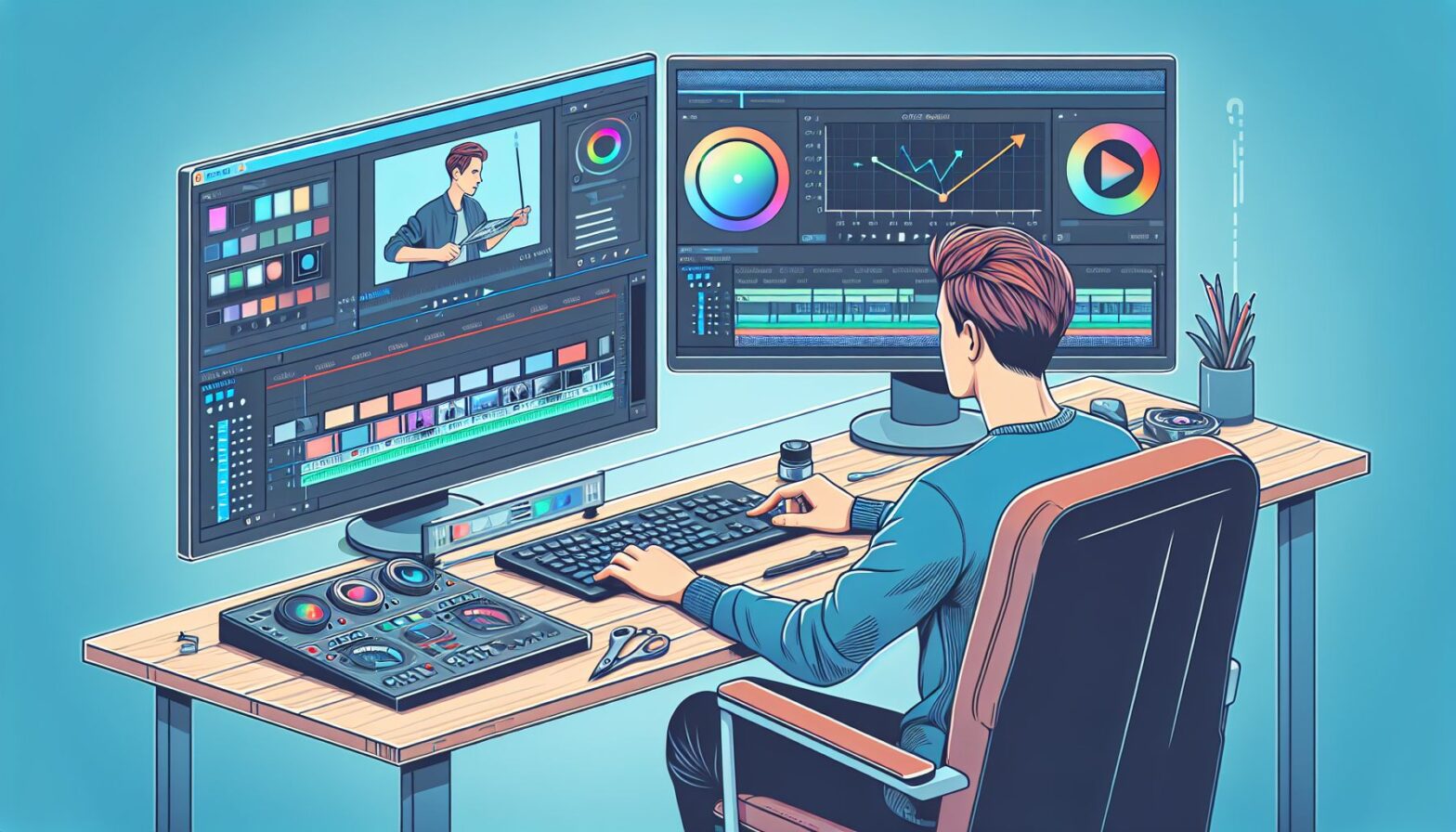
To effectively color grade your videos, you will need access to video editing software that offers color grading tools. Popular options include Adobe Premiere Pro, DaVinci Resolve, and Final Cut Pro. These tools allow you to manipulate the colors in your video using features such as color wheels, curves, and color correction filters.

Understanding Color Theory

Before you start color grading, it’s important to have a basic understanding of color theory. Colors have the power to evoke emotions and convey meaning, so choosing the right color palette for your video is crucial. For example, warmer colors like red, orange, and yellow can create a sense of energy and warmth, while cooler colors like blue and green can convey a feeling of calmness or sadness.

Basic Color Grading Techniques

When it comes to color grading, there are a few key techniques to keep in mind. One of the most important is white balance, which ensures that the colors in your video appear natural and accurate. You can adjust the white balance using temperature and tint sliders in your editing software.

Another important technique is adjusting the exposure and contrast of your video. This involves tweaking the brightness levels to ensure that your video is not too dark or too bright. You can also increase the contrast to make your colors pop and add depth to your footage.

Creating a Consistent Look

To create a cohesive look for your videos, it’s important to establish a color grading style that aligns with your brand or message. This can involve creating presets or LUTs (Look Up Tables) that you can apply to all of your videos to maintain a consistent aesthetic. Experiment with different color combinations, contrasts, and saturation levels to find a style that works best for your content.

Exporting Your Color Graded Video

Once you have finished color grading your video, it’s time to export it for the internet. Make sure to choose the correct resolution, frame rate, and format that is suitable for online streaming. You can also optimize your video for different platforms, such as YouTube or Instagram, to ensure the best viewing experience for your audience.

Conclusion

Color grading is an essential skill for students looking to create professional and engaging videos for the internet. By mastering the art of color grading, you can enhance the visual quality of your videos, convey a specific message or emotion, and make your content stand out from the rest. Remember to experiment with different color combinations, understand color theory, and create a consistent look for your videos. With practice and dedication, you can become a master of color grading and take your video marketing to the next level.

The Power of Video Advertising for Influencers

In today’s fast-paced digital world, it is more important than ever for influencers to utilize video advertising to promote their businesses. With the rise of platforms like YouTube, Instagram, and TikTok, consumers are constantly bombarded with content. If you want your business to stand out amongst the competition, video advertising is a powerful tool that cannot be ignored.

Why Video Advertising?

First and foremost, videos have the ability to captivate and engage audiences in a way that other forms of advertising simply cannot. With the use of visuals, music, and storytelling, video advertising has the potential to create an emotional connection with viewers, making them more likely to remember and engage with your brand.

Additionally, video advertising allows for a more dynamic and creative way to showcase your products or services. Through video, you can demonstrate the benefits of your products, highlight their features, and even show them in action. This not only helps to increase brand awareness but can also drive sales and conversions.

The Power of Sound Design

When it comes to producing video content, sound design plays a crucial role in creating a memorable and impactful viewing experience. By incorporating music, sound effects, and voiceovers, you can enhance the overall quality of your videos and evoke emotions in your audience. From creating a sense of urgency to establishing a brand identity, sound design can take your video advertising to the next level.

How to Get Started

If you’re an influencer looking to incorporate video advertising into your marketing strategy, there are a few key steps to follow.

  1. Define Your Goals: Before you start creating videos, it’s important to establish clear goals for your advertising campaign. Whether you’re looking to increase brand awareness, drive website traffic, or boost sales, having a clear objective will help guide your content creation process.

  2. Know Your Audience: Understanding your target audience is essential when creating video content. By knowing who you are trying to reach, you can tailor your videos to appeal to their interests, preferences, and behavior. This will help ensure that your advertising efforts are effective and resonate with your intended audience.

  3. Invest in Quality: When it comes to video advertising, quality matters. Investing in high-quality equipment, editing software, and sound design can make a significant difference in the overall production value of your videos. Additionally, hiring professionals to help with production can ensure that your videos are polished and professional.

Conclusion

In conclusion, video advertising is a powerful tool that influencers should not overlook when promoting their businesses. By creating captivating and engaging video content, influencers have the opportunity to connect with their audience on a deeper level, increase brand awareness, and ultimately drive sales and conversions. With the right strategy, sound design, and production quality, video advertising can take your business to new heights. So don’t wait any longer – start incorporating video into your marketing strategy today and watch your business soar.

How to Light a Room for Video Production: A Guide for Teenagers

Lights, camera, action! If you’re a teenager looking to produce high-quality videos, lighting is an essential factor to consider. Proper lighting can make or break the overall look of your video, so it’s crucial to get it right. In this guide, I will walk you through the steps of how to light a room for video production in a stern tone of voice to emphasize the importance of this aspect of filmmaking.

Introduction

When it comes to video production, lighting is one of the most important elements to consider. Good lighting can enhance the quality of your video, while poor lighting can make it look amateurish and unprofessional. As a teenager involved in video production, it’s essential to pay attention to the lighting setup in your room to ensure that your videos look polished and visually appealing.

Body

1. Choose the Right Lights

First and foremost, it’s crucial to choose the right lights for your video production. Avoid using harsh overhead lighting, as it can create unflattering shadows on your subjects’ faces. Instead, opt for soft, diffused lighting sources such as LED panels or softboxes. These lights will help create a more flattering and natural-looking light on your subjects.

2. Set Up a Three-Point Lighting System

A three-point lighting system is a standard setup used in video production to ensure that your subjects are well-lit from all angles. This system consists of three main lights: the key light, the fill light, and the backlight. The key light is the primary light source that illuminates your subject, the fill light helps fill in any shadows created by the key light, and the backlight adds depth and dimension to your subject by separating them from the background.

3. Position Your Lights Correctly

Properly positioning your lights is essential to achieve the desired lighting effects in your video. The key light should be placed slightly off to one side of your subject, while the fill light should be positioned on the opposite side to fill in any shadows. The backlight should be placed behind your subject to create separation and prevent them from blending into the background.

4. Use Reflectors and Diffusers

In addition to your main lights, using reflectors and diffusers can help enhance the quality of your lighting setup. Reflectors can bounce light back onto your subject to fill in shadows and create a more even lighting effect, while diffusers can soften harsh light and create a more flattering look.

5. Adjust Your White Balance

Setting the correct white balance on your camera is essential to ensure that colors appear natural and accurate in your video. Be sure to adjust the white balance settings on your camera to match the color temperature of your lights for the best results.

Conclusion

In conclusion, lighting plays a crucial role in video production, and as a teenager interested in producing videos, it’s essential to pay attention to this aspect of filmmaking. By following the tips outlined in this guide and setting up a proper lighting system in your room, you can enhance the quality of your videos and create a more professional-looking final product. So next time you pick up your camera to shoot a video, remember the importance of proper lighting and take the time to set up a well-lit environment for your subjects. Lights, camera, action – go out there and produce some amazing videos!

#Think Outside the Box: Getting Creative with Your Video Projects for Marketing Companies

Are you tired of producing the same old boring videos for your marketing company’s clients? Do you want to stand out from the competition and make a lasting impression with your video projects? It’s time to get creative! By thinking outside the box and pushing the boundaries of traditional video production, you can wow your clients and drive sales like never before.

The Power of Creativity in Video Marketing

In today’s fast-paced digital world, standing out from the crowd is more important than ever. With consumers bombarded with countless advertisements and videos every day, it’s crucial to create content that grabs their attention and leaves a lasting impact. That’s where creativity comes in. By thinking outside the box and coming up with innovative ideas for your video projects, you can captivate audiences and drive sales for your clients.

Harnessing Creativity in Your Video Projects

So, how can you get creative with your video projects for marketing companies? Here are a few tips to help you think outside the box and produce truly remarkable videos:

1. Start with a Strong Concept

To create a truly standout video, you need to start with a strong concept. Instead of simply rehashing the same old ideas, try to think of something unique and original that will capture the attention of your target audience. Whether it’s a quirky storyline, an unexpected twist, or a bold visual style, a strong concept will set the tone for your video and make it more memorable.

2. Experiment with Different Filming Techniques

Don’t be afraid to experiment with different filming techniques to add visual interest to your video projects. Whether it’s using drone footage, time-lapse photography, or animation, mixing up your filming style can make your videos more engaging and dynamic. By thinking outside the box and trying new techniques, you can create a visually stunning video that will captivate your audience.

3. Incorporate Interactive Elements

To make your video projects truly stand out, consider incorporating interactive elements into the final product. Whether it’s including clickable links, quizzes, or polls, adding interactive elements can engage viewers and make your videos more memorable. By thinking outside the box and incorporating interactivity into your videos, you can create a truly immersive and engaging experience for your audience.

4. Embrace the Power of Sound

Don’t underestimate the power of sound when it comes to creating compelling video projects. From catchy music to impactful sound effects, the audio in your video can make a huge difference in how it’s received by your audience. By thinking outside the box and experimenting with different sound elements, you can create a truly memorable video that will leave a lasting impression on viewers.

Conclusion

In conclusion, getting creative with your video projects for marketing companies is crucial for standing out from the competition and driving sales. By thinking outside the box, experimenting with different techniques, and incorporating interactive elements, you can create truly remarkable videos that will captivate your audience and leave a lasting impact. So, go ahead and push the boundaries of traditional video production – the results will speak for themselves.